
Crop Disease Detection Apps in 2026: How to Photograph, Read and Trust the Diagnosis
A plant disease app can identify a problem in seconds — or confidently give you the wrong answer and cost you a spray. The difference is almost entirely in how you photograph the plant and how you read the result.
Quick answer
Photograph a single affected leaf filling the frame, in shade or soft morning light, then a second shot of the underside and a third of the whole plant. Read the second and third suggestions, not just the first. If symptoms are uniform across the field, suspect nutrition before disease — and always take the dose from the product label.
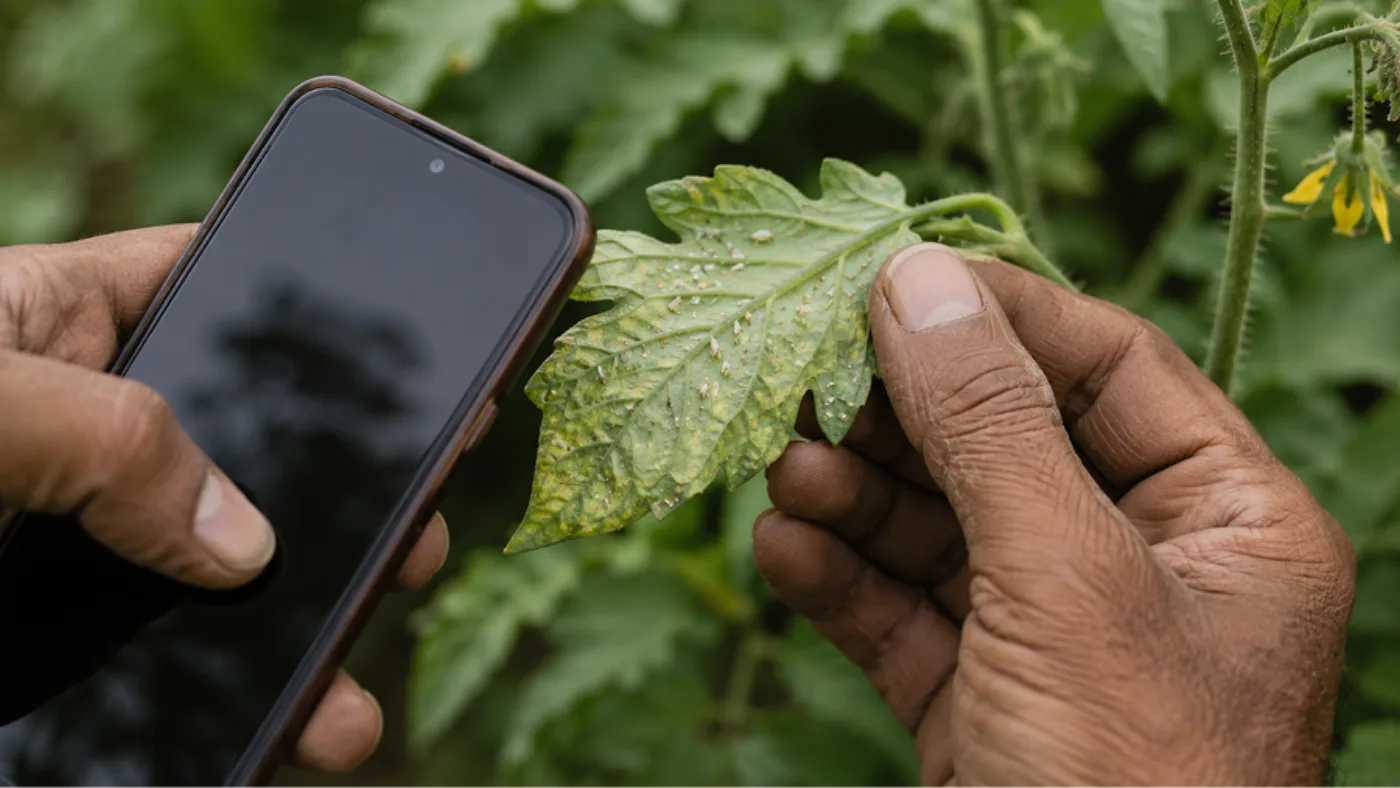
Photo-based diagnosis is the feature farmers adopt fastest and misuse most. The model is reading pixels, not visiting your field, so the quality of your photograph decides the quality of your answer far more than the cleverness of the AI does. This guide covers how to shoot, how to read the result, and the specific situations where you should close the app and call a human.
What the app is actually doing
A crop disease app compares your photograph against a large library of labelled images and returns the closest matches, usually with a confidence figure. It is pattern matching, and it is genuinely good at it — for common diseases on common crops, photographed well, a modern model is a strong first opinion.
But it has three structural blind spots you need to hold in mind. It cannot see conditions, so it does not know you irrigated heavily three days ago or that the field flooded last week. It struggles with problems that look alike, and nutrient deficiencies in particular are frequently misread as disease because both produce yellowing. And it has seen far more images of some crops than others, so accuracy on a major crop like cotton or tomato is usually much better than on a minor local variety.
How to photograph so the diagnosis is worth having
This is the part that changes outcomes. Almost every wrong diagnosis I have seen traces back to a photograph that was too far away, too dark, too bright, or showing too many things at once.
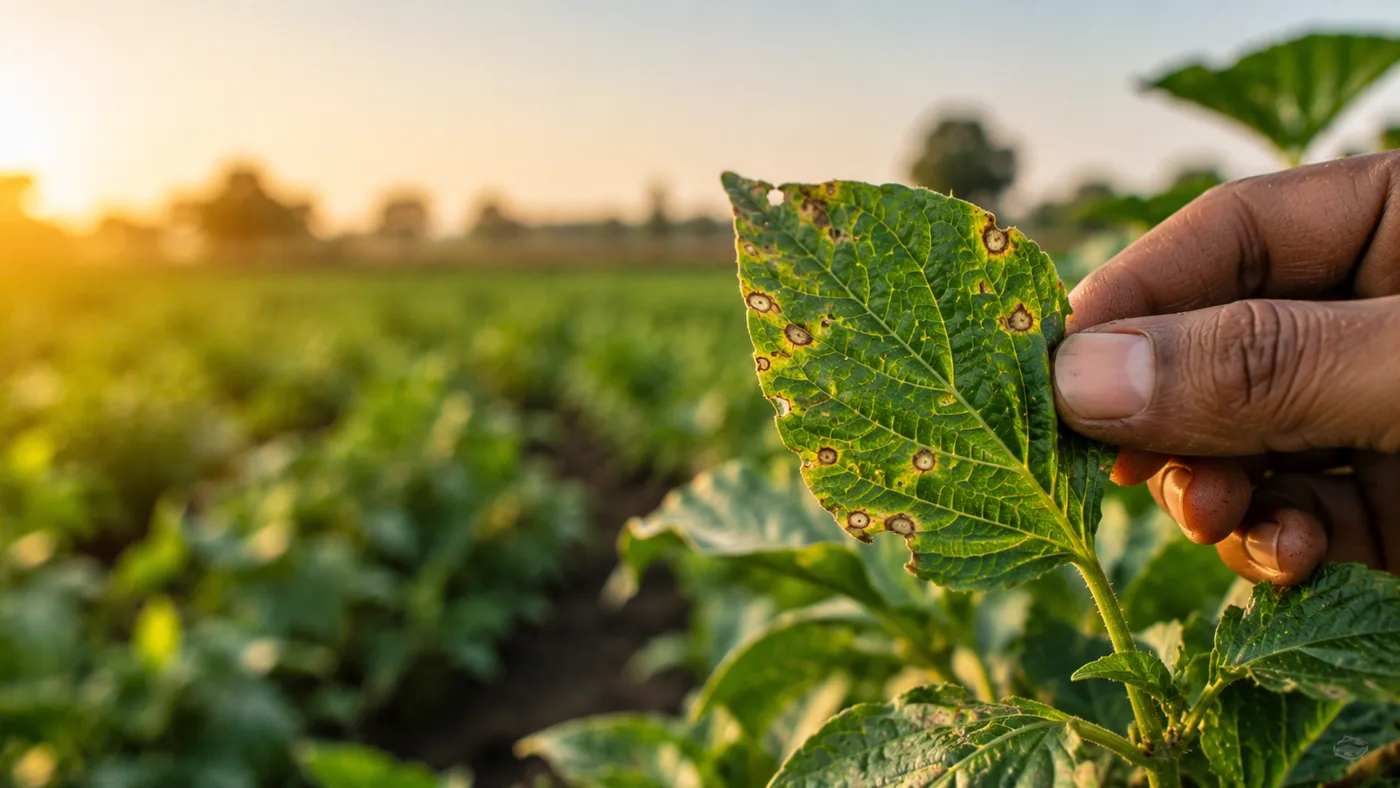
- Fill the frame with a single affected leaf. Not the whole plant, not the whole row.
- Shoot in shade or soft morning light. Harsh noon sun blows out the highlights and hides the exact texture the model needs.
- Focus on the damage itself. Tap the screen on the lesion before shooting so the camera focuses there and not on the background.
- Take a second photo of the leaf underside. Sucking pests and early fungal infections show there first and often nowhere else — skipping this is the most common cause of a missed diagnosis.
- Take a third of the whole plant, so the pattern of damage is visible: top, bottom, one side, or scattered.
- Include something for scale if the lesions are small — a fingertip works.
- Do not use flash, and do not apply filters or beautification. Both change colour, which is a primary signal.
How to read the result
Treat the top result as a hypothesis, not a verdict. If the app shows a confidence figure, use it honestly: a high-confidence match on a well-photographed common disease is worth acting on; a low-confidence match means take more photographs rather than start spraying.
Always look at the second and third suggestions too. When the top three are all fungal, you are probably dealing with a fungal problem even if the exact species is uncertain, and that is often enough to choose a management action. When the top three are wildly different — a virus, a deficiency and a mite — the model is essentially guessing and you need a human eye.
Then check the diagnosis against context the app cannot see. Does the damage pattern fit? Viruses transmitted by whitefly usually appear in patches spreading from field edges; nutrient deficiencies usually appear uniformly across the field or consistently on old or new leaves depending on the nutrient. If the diagnosis does not fit the pattern, distrust the diagnosis.
The deficiency trap
The single most expensive mistake with these apps is spraying a fungicide at a nutrient deficiency. Yellowing, purpling and marginal scorch are produced by both, and the app leans towards disease because its training data is dominated by disease images.
A quick field test: deficiencies are usually symmetrical and position-consistent. Nitrogen deficiency starts on older, lower leaves because the plant moves nitrogen upward to new growth. Iron and zinc deficiencies show on new, upper leaves. Disease, by contrast, usually starts as discrete spots or patches and spreads irregularly. If the pattern is uniform across the whole field, suspect nutrition or water before pathology — and read why soil testing matters and how to read a soil health card rather than spraying blind.
When to close the app and call someone
Your Krishi Vigyan Kendra, state agriculture university helpline and taluka extension officer exist for exactly these situations and cost nothing. An app is a screening tool; it is not a substitute for a plant pathologist when the stakes are high.
- The damage is spreading fast across the field — hours matter more than a precise name.
- The top three suggestions disagree fundamentally.
- The crop is high value and the proposed treatment is expensive or irreversible.
- You are seeing something you have never seen in that crop before.
- The app names a chemical you do not recognise — always cross-check the dose against the product label, which is the legal and agronomic authority, never the app.
Prevention beats detection
The best outcome is never needing the diagnosis. Most of the disease pressure a farmer photographs in July was determined in May by variety choice, spacing, drainage and residue management. Resistant varieties, proper plant spacing so the canopy dries, clean field borders and rotation cut disease incidence far more than any spray schedule does.
Scouting is the other half. Walk the field twice a week and look at undersides, and you will catch problems while they are still cheap to manage. Our guide to integrated pest management covers the framework, organic pest control for vegetables covers low-cost interventions, and good insects vs bad insects is the reference to keep on your phone so you stop killing the predators that were working for you.
If you want diagnosis, a season plan, weather timing and scouting reminders in one place rather than four apps, Khetiyaar's kheti app does photo diagnosis in Gujarati, Hindi and English, and its AI farming chatbot will talk through an uncertain result with you.
Frequently asked
What is the best free crop disease detection app?+
Several apps offer free photo diagnosis, and accuracy between the leading options is closer than marketing suggests — your photograph matters more than your app choice. The more useful question is whether the app also covers planning, weather and selling, because juggling four single-purpose apps is why most farmers abandon all of them. Compare honestly in our guide to the best AI farming apps in India.
How accurate is photo-based plant disease detection?+
Accuracy is high for common diseases on major crops photographed well, and drops sharply for minor local varieties, unusual problems and poor photographs. The largest source of error is nutrient deficiency being read as disease, because both cause yellowing and the training data is dominated by disease images.
How should I photograph a diseased plant for an app?+
Fill the frame with a single affected leaf, shoot in shade or soft morning light, tap to focus on the lesion, and take a second photo of the leaf underside plus a third of the whole plant. No flash, no filters — both distort colour, which is a primary diagnostic signal.
Can a crop disease app detect nutrient deficiencies?+
Partly, but this is its weakest area and the most common source of costly mistakes. Deficiencies are usually uniform across the field and position-consistent — nitrogen on older lower leaves, iron and zinc on new upper leaves — while disease usually starts as discrete spots and spreads irregularly. If symptoms are uniform, get a soil test before you spray.
Should I follow the pesticide dose the app recommends?+
Use the app to narrow down the problem, but always take the dose, the waiting period and the safety instructions from the product label on the packet. The label is the legal and agronomic authority; an app recommendation is not.
Where to go next
- Kheti app for Indian farmersCrop plans, disease diagnosis, weather and mandi rates in one app.
- AI farming chatbotAsk any farming question in Gujarati, Hindi or English and get an answer in seconds.
- Agri Bazar marketplaceBuy and sell animals, crops, equipment and dairy near you — and see what buyers want today.
Want this as daily tasks for your farm?
Khetiyaar turns guides like this into a day-by-day plan — in your language, free to start.

Related guides
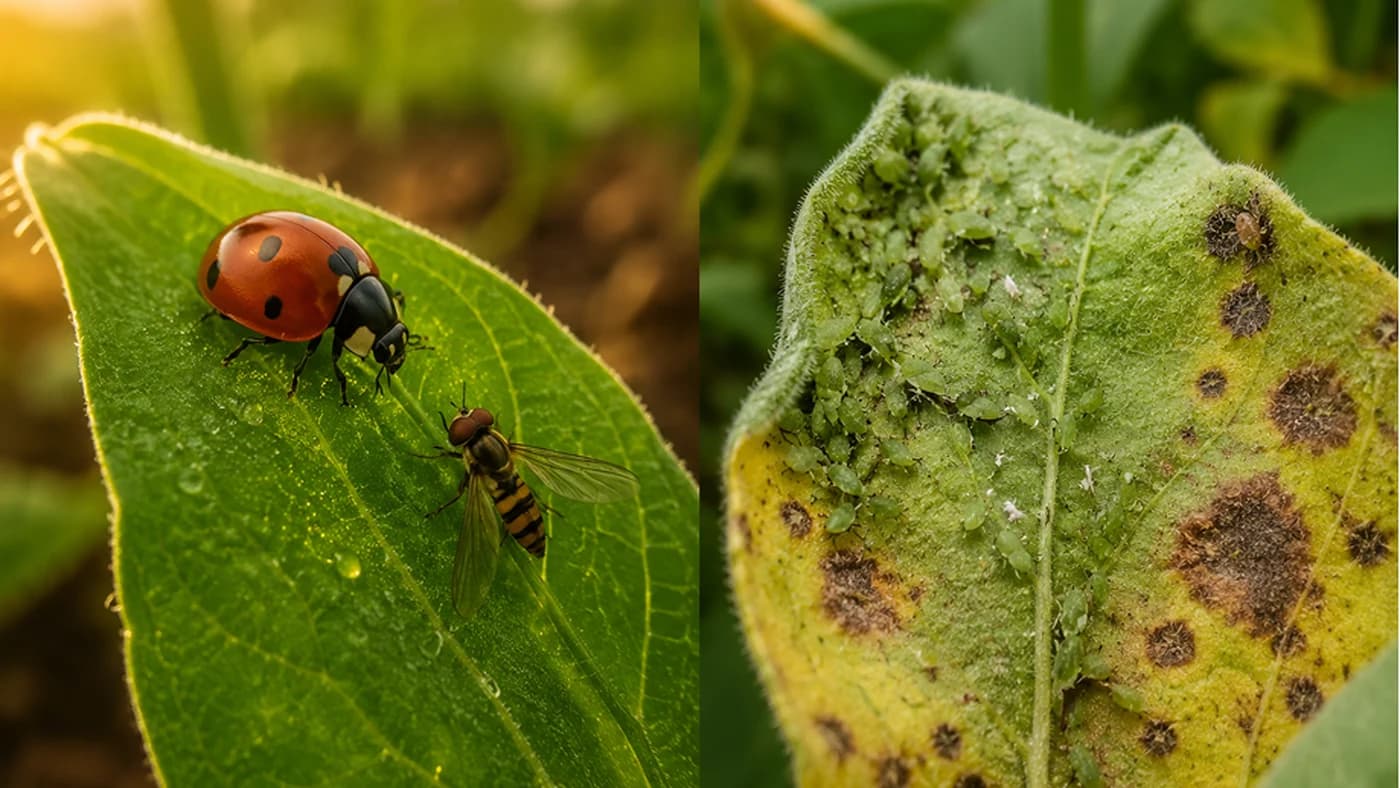
Good Insects vs Bad Insects in Your Farm and Garden — Plus How to Identify Common Crop Diseases
Not every insect in your field is an enemy — most are neutral, and some are your best free workers. A full visual guide to the beneficial insects worth protecting, the pest insects worth acting on, and the diseases behind common crop symptoms.
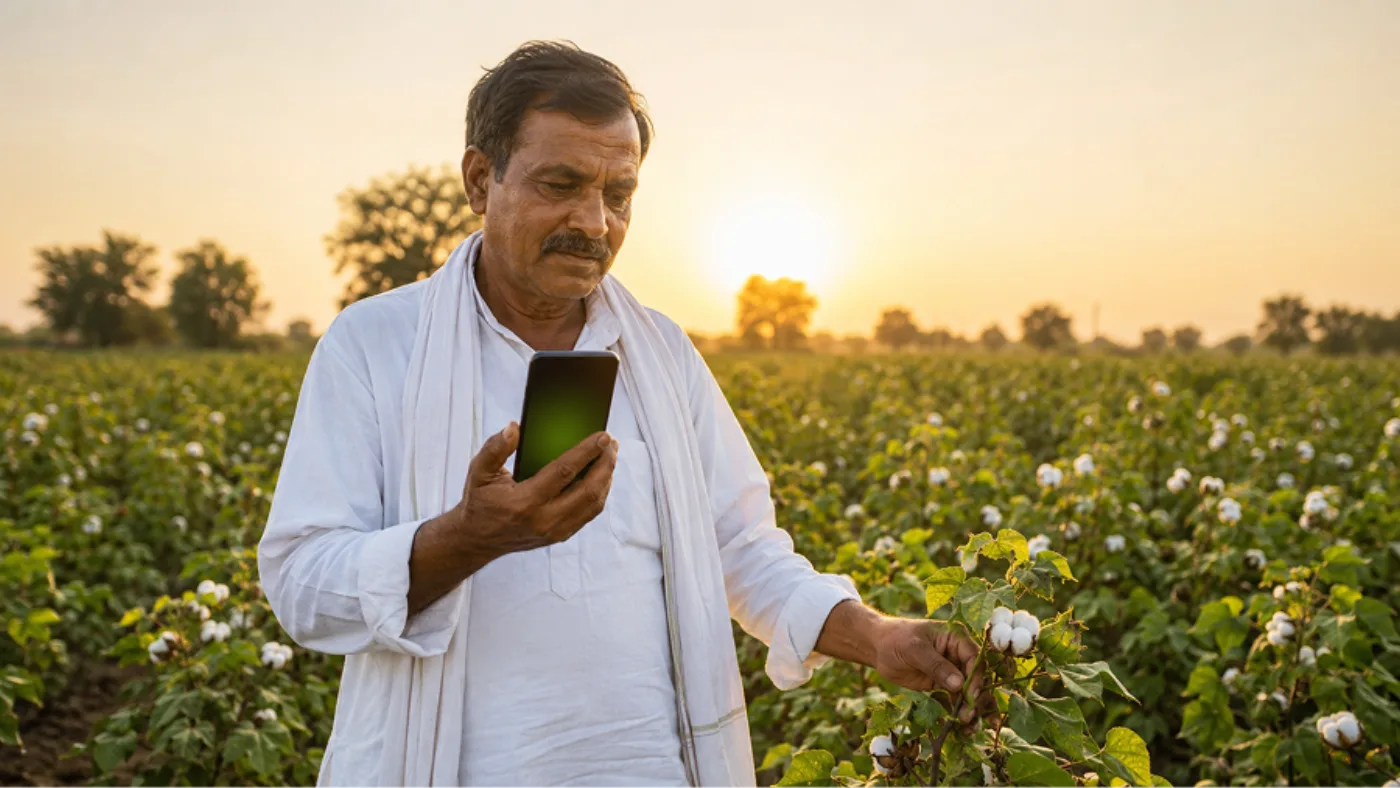
AI Se Kheti Kaise Kare: A Practical 2026 Guide for Indian Farmers
Artificial intelligence has quietly moved from the news into the field. Here is exactly how an ordinary Indian farmer with an ordinary Android phone can use AI for crop planning, disease diagnosis, irrigation timing and selling — step by step, in 2026.
Common Crop Diseases in India and How to Identify Them
A problem spotted on day one is cheap to control; a week later it can take the whole field. Learn the tell-tale signs of blights, rusts, wilts and viruses.